Pixel-exact captures
Every colour on screen comes out exactly as displayed, verified across all 16,777,216 colours, whether Windows composites in 8-bit or in FP16.
Latest release · Free & open source
FrameBurst is a system tray screenshot tool for Windows built for one thing: the highest-quality capture possible. Press PrintScreen, mark it up, and a lossless PNG is on disk and in your clipboard.
Most screenshot tools copy the screen through the CPU and round colours on the way. FrameBurst takes each monitor's frame straight from the compositor on the GPU, converts it exactly, and only then hands it to the CPU to encode.
Every colour on screen comes out exactly as displayed, verified across all 16,777,216 colours, whether Windows composites in 8-bit or in FP16.
About 45 ms from hotkey to pixels in memory for three monitors. The compute shader itself takes about half a millisecond.
The capture hotkeys take priority even when a full-screen game has the keyboard, and the game never sees the key press.
Draw on the frozen screen before you pick the region. Blur permanently rewrites the pixels it covers; everything else stays pixel-perfect. Undo and redo included.
A magnifier follows the cursor with hex and RGB. Click to copy #RRGGBB, read from the same exact capture.
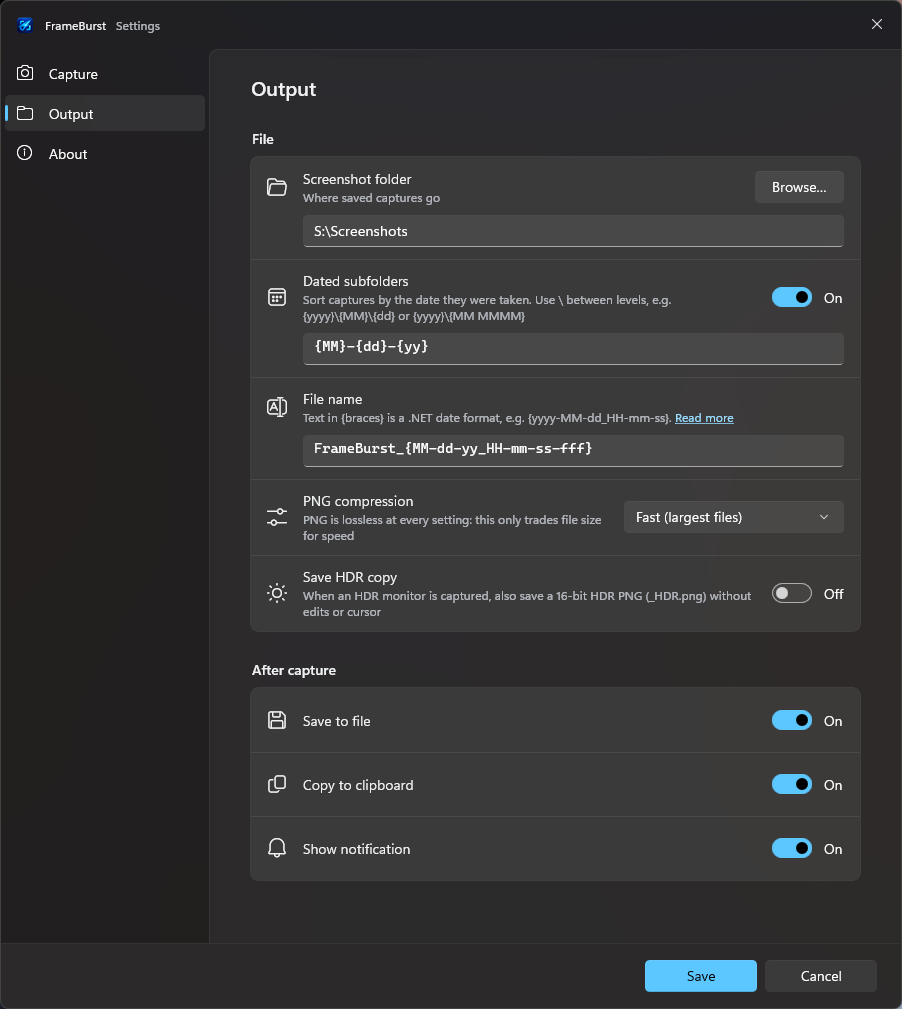
Saved to Pictures\FrameBurst and copied as an image, a PNG and a file, so it pastes into chat apps, editors and File Explorer alike.
When an HDR monitor is captured, also save a 16-bit PQ PNG with the full range. Off by default.
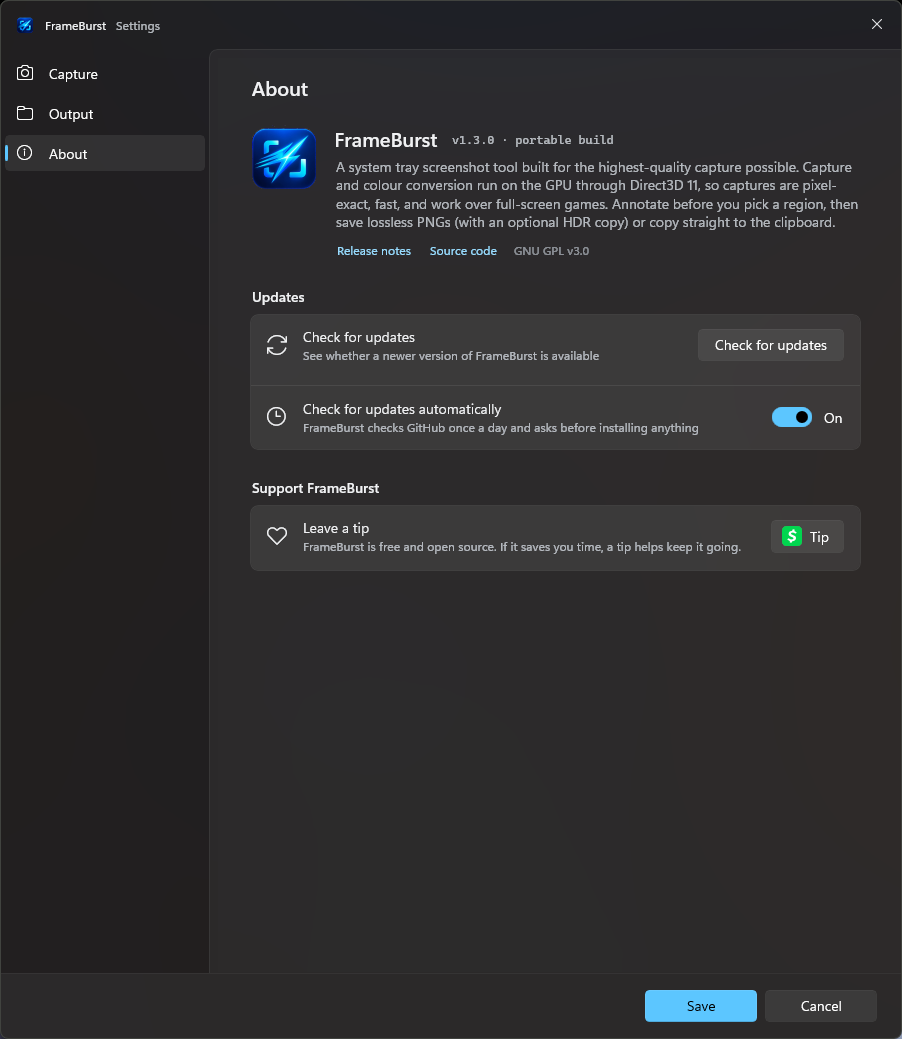
FrameBurst checks GitHub once a day and compares the installer's SHA-256 with the one GitHub publishes before it runs. On a PC without Direct3D 11 it falls back to GDI capture so you still get your screenshot, and --selftest checks the whole pipeline on your machine.
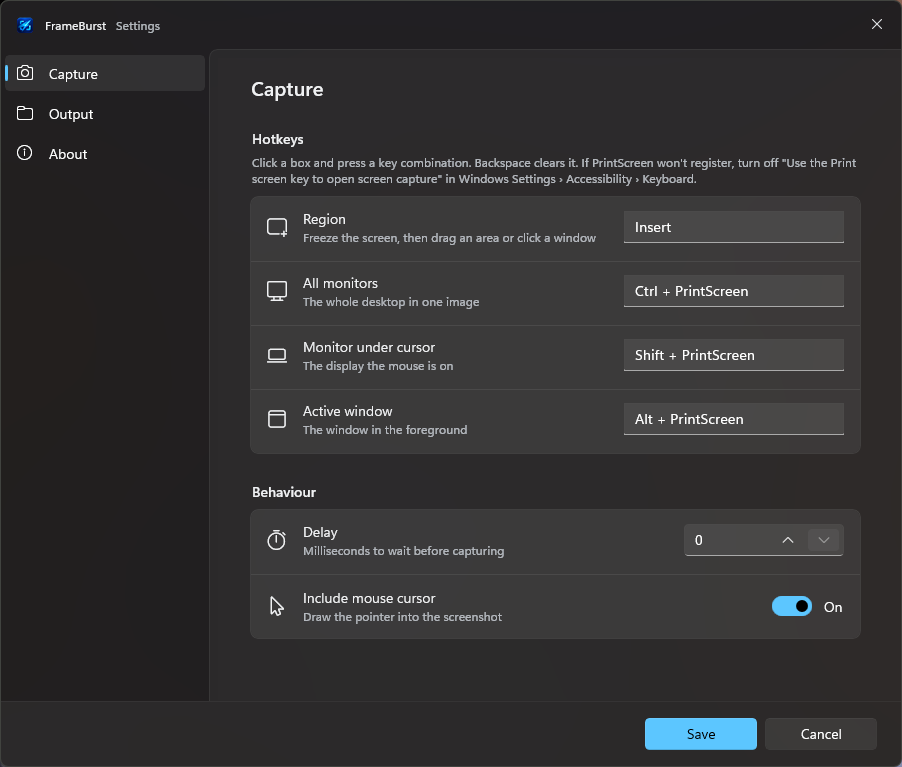
Click the tray icon for a region after a one-second delay. Every capture mode is in its menu, and every hotkey can be changed.
A typical run on an RX 9060 XT with three monitors (9.9 megapixels) takes about 45 ms from hotkey to pixels in RAM.
Windows Graphics Capture hands each monitor's frame over as a Direct3D 11 texture, with no GDI copies. All monitors are taken at the same moment, each on the GPU that drives it.
Frames arrive in linear FP16. A compute shader encodes them to 8-bit sRGB exactly, and only the finished pixels are copied back to RAM.
A custom lossless PNG encoder filters rows adaptively in parallel and runs a multi-threaded deflate across every core.
FrameBurst lives in the tray. Everything else is one Settings window with three tabs.
FrameBurst has no account, no cloud and no upload button. Screenshots go to a folder you choose and to your clipboard. The only time it goes online is to ask GitHub whether there's a new release.
An update only runs after its SHA-256 checksum matches the one GitHub publishes for the release. You confirm every update first.
Settings live in %APPDATA%\FrameBurst\settings.json and a log next to it. Uninstall from Settings → Apps like any other app.
DRM-protected video comes out black, the secure desktop can't be captured, and the normal capture of an HDR monitor is SDR. The README lists them all.
FrameBurst-Setup-x.y.z.exe (82 MB) from the latest release. .NET is included.
It installs for your user account, no admin rights needed. Pick all users in the first step if you prefer.
Choose whether it starts with Windows. It then waits in the tray, next to the clock.
“Windows protected your PC”? The installer isn't signed with a paid certificate yet, so SmartScreen may warn the first time. Click More info, then Run anyway. Updates are still checked against GitHub's SHA-256 before they run.
PrintScreen opens the Snipping Tool instead? Turn off Settings → Accessibility → Keyboard → Use the Print screen key to open screen capture, or pick other hotkeys in FrameBurst's Settings.
Requires Windows 10 version 2004 or later, or Windows 11, 64-bit. A Direct3D 11 GPU is recommended; without one FrameBurst uses slower GDI capture.
Free, open source, and fast enough that you'll forget it's running.